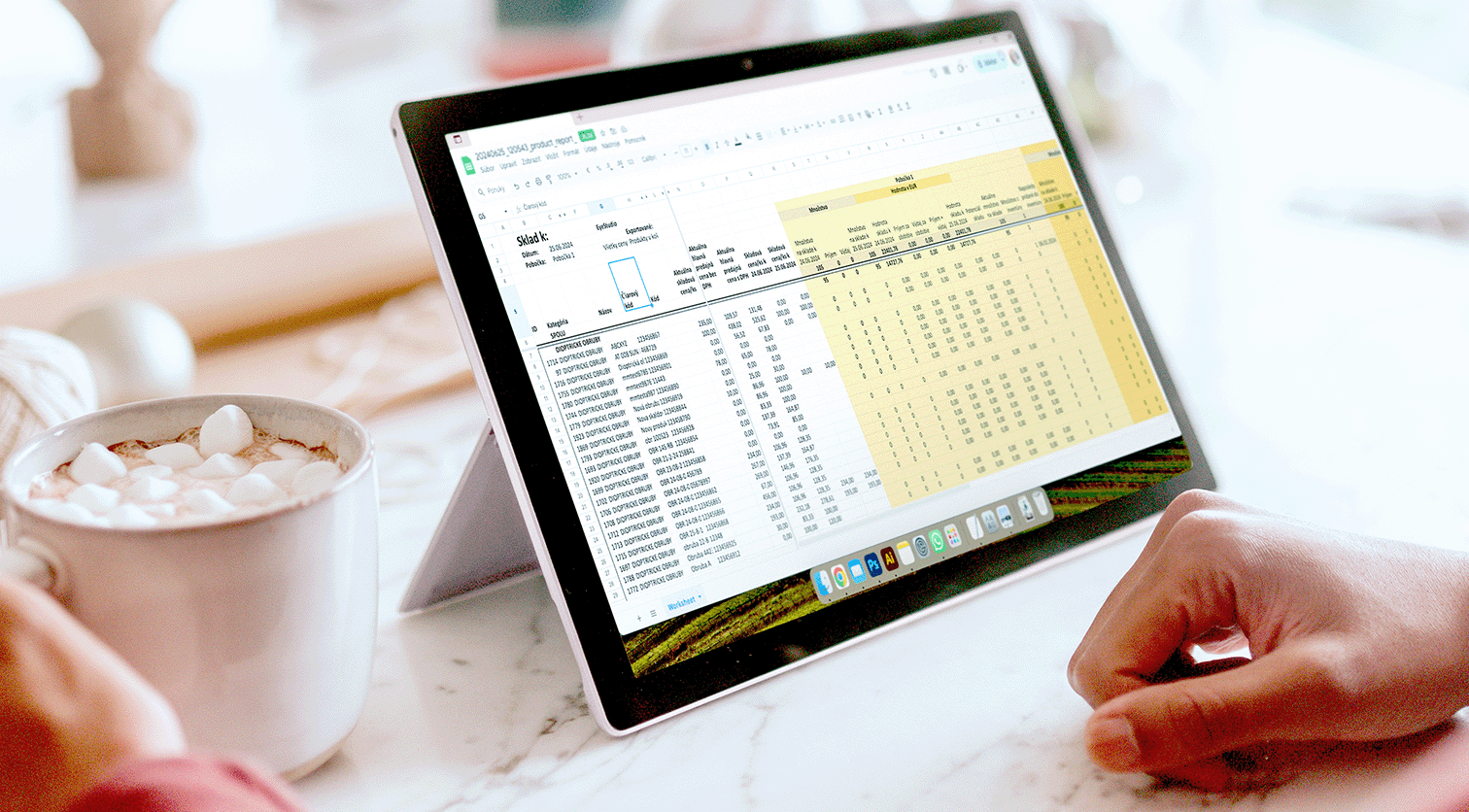
Registration of Received Documents, Stock and Product Pricing
Pricing
The system allows the pricing of products based on formulas linked to purchase prices, required margins or according to individual decisions. Pricing is closely connected with the ability to assign various types of discounts to selected customers or based on reading a customer card from your optical store. If the operator has the appropriate permissions, they can also give an exceptional discount directly at the point of sale.
The system allows you to register a product across multiple branches of the company and set different selling prices for each branch individually.
Registration of Incoming Invoices and Delivery Notes
Delivery notes and received invoices are registered in TISS Optic mainly when stock management is also tracked. Some optical stores track inventory only through accounting and do not register received documents. The modularity and adaptability of TISS Optic allow every optical store to customize what and to what extent is recorded.
Some clients using TISS Optic register incoming documents only to know which document a particular frame was purchased with. There are many possibilities. TISS Optic can adapt.
Stock Card and Product Stock Value
Each product has a stock card assigned, where its name and selling price are primarily recorded. If the optical store also uses stock management, the purchase price, margin and sales statistics of the product are also tracked.
Each stock card records every action related to the product. It always tracks based on which document the product was purchased and for what price. The system also records which customer purchased the product. If the product is restocked, it also monitors new purchase prices and calculates the dynamically updated stock value. Each optical store can track the stock price calculated based on current purchase prices as a weighted average, or they can set and lock a fixed stock price. The choice depends on the needs and internal processes of the optical store.
Stock Management and Inventory Checks
If delivery notes and incoming invoices are registered, it is also possible to track stock levels and thus maintain complete stock management including stock movements, inventory checks and accounting outputs.
In TISS Optic, separate outputs can be tracked for consignment and owned stock. TISS Optic can evaluate products not only for the entire warehouse but also by supplier or brand.
Inventory checks are one of the biggest concerns for many optical stores. Inventory checks in TISS are simple and intuitive and can be viewed in the included video guide.
Stock Level Control
If the quantity of a particular product drops below a set level, the system automatically notifies the responsible person to order the required quantity. These notifications are generated based on expected sales derived from past performance and product settings. This function is especially useful for optical stores with stock of lenses or solutions.
Price List and Label Printing
TISS Optic prints price list outputs and various types of labels. Several different label types including barcodes are available for use by optical stores. Barcodes make work easier not only during sales but also during inventory checks.
Examples of barcode usage in optical stores:
Here are the most commonly used labels in optical stores using TISS.
Transfers Between Branches
If an optical store has multiple branches, the staff can (optionally depending on settings) see the stock status of other branches. This allows them to offer customers alternatives where their glasses may be available sooner or request a transfer from another branch. Transfers between branches play an important role in stock management.
The system also supports different selling prices for the same product stock card at different branches. This is especially appreciated by stores operating in regions with varying purchasing power.
Using Barcodes
Barcodes are supported throughout the TISS Optic system for quick handling of stock items, orders and purchases. The system offers several ways to generate these codes, from creating them individually to importing existing codes for example for solutions or accessories. Inventory checks using barcode labeled products can be completed by staff in just a few minutes.