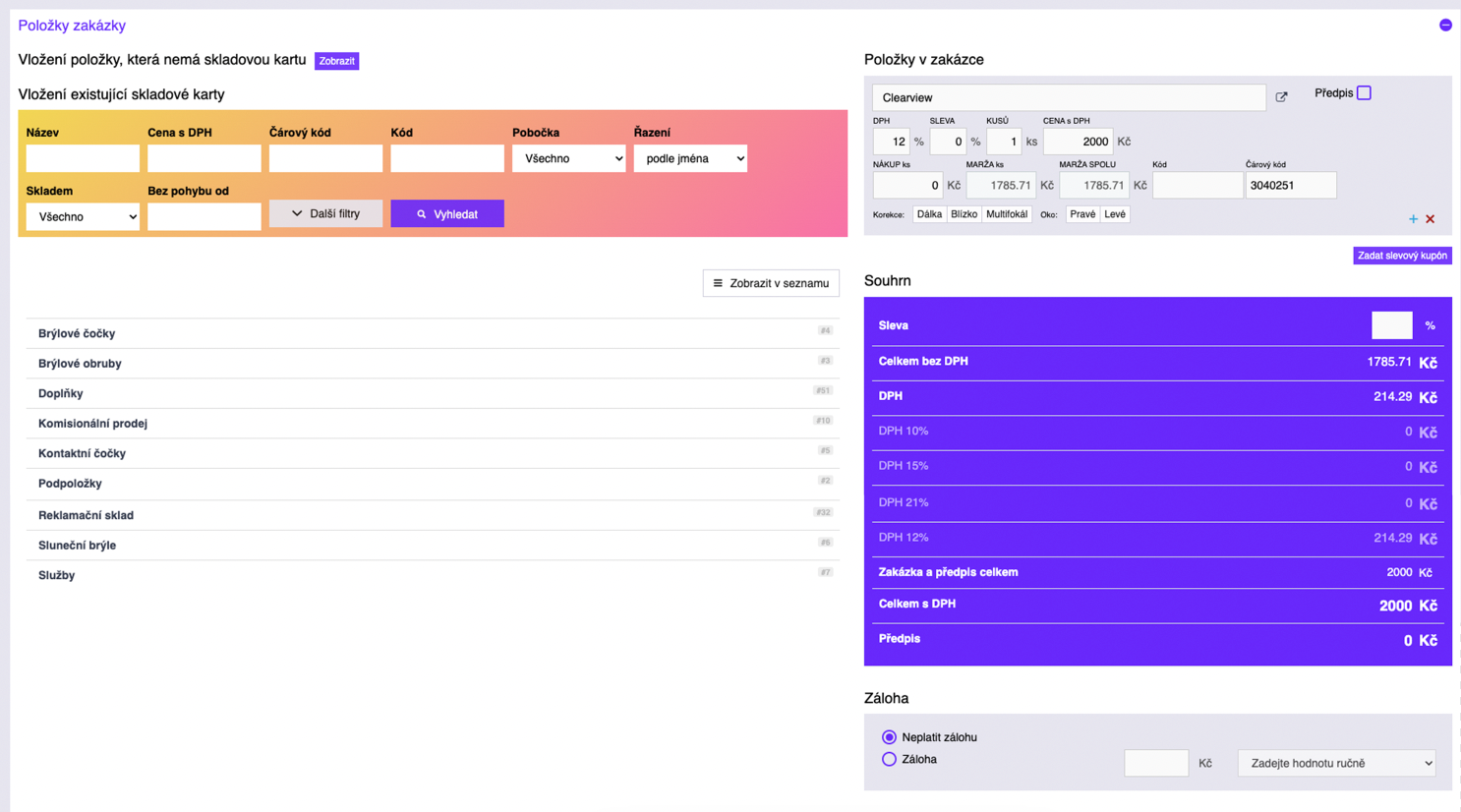
In one step, the sale in the optical store is recorded along with the data needed for making the glasses. The sales interface offers a wide range of options available to the staff. If the optical store has branches, one branch can immediately check the stock status of another branch. In a typical sale, the staff selects the product the client wants to buy from the inventory list (left side in the picture – "Insert item from database"), and on the right side ("Items") the specific sale for the client is recorded with a price summary. When taking a deposit, the amount is recorded and printed on a deposit receipt at the time of payment. It is also possible to add "non-stock items" to the order, a feature mostly used by optical managers near the end of the year. If set up in the system, it is possible to display the order card for the production of glasses the so-called work card. This appears in the lower part under the deposit records.